Resonance: A Plague Tale Legacy on Steam Deck: Playable, and Only Text Size Holds It Back
Plague Tale Legacy Steam Deck status: Valve rates it Playable, and small interface text is the only test it fails. On a Steam Machine it is Verified.
Updated · Steam feature
Short answer: Resonance: A Plague Tale Legacy is rated Playable on Steam Deck, and it is one test away from Verified. Performance at default settings passes, the default controller layout passes, and the on-screen button prompts correctly show Deck controls. The single mark against it is that some interface text is too small to read comfortably on a 7-inch screen.
The clearest evidence for how minor that is: on a Steam Machine, the same game is rated Verified. Put it on a normal display and every compatibility concern disappears. This is a screen-size verdict, not a technical one.
The compatibility report, test by test
| Test | Result | What it means |
|---|---|---|
| Default graphics configuration performance | Pass | The out-of-the-box preset runs acceptably on Deck hardware. No manual tuning needed to make it playable. |
| Default controller configuration | Pass | Every action is reachable on the Deck’s built-in controls with no custom layout. |
| Controller glyphs | Pass | On-screen prompts show Steam Deck buttons, not Xbox or keyboard icons. |
| Interface text legibility | Warning | Some UI text is small and hard to read at 7 inches. |
Compare that with most Playable-rated titles, which usually fail two or three checks. Here the game passes everything that governs whether it works and misses only on readability.
Why the glyph pass matters more than it sounds
The glyph test is the one players most often notice and most rarely see passed. Asobo shipped native Steam Deck button prompts, which means the tutorial and every contextual prompt shows the control you are actually holding.
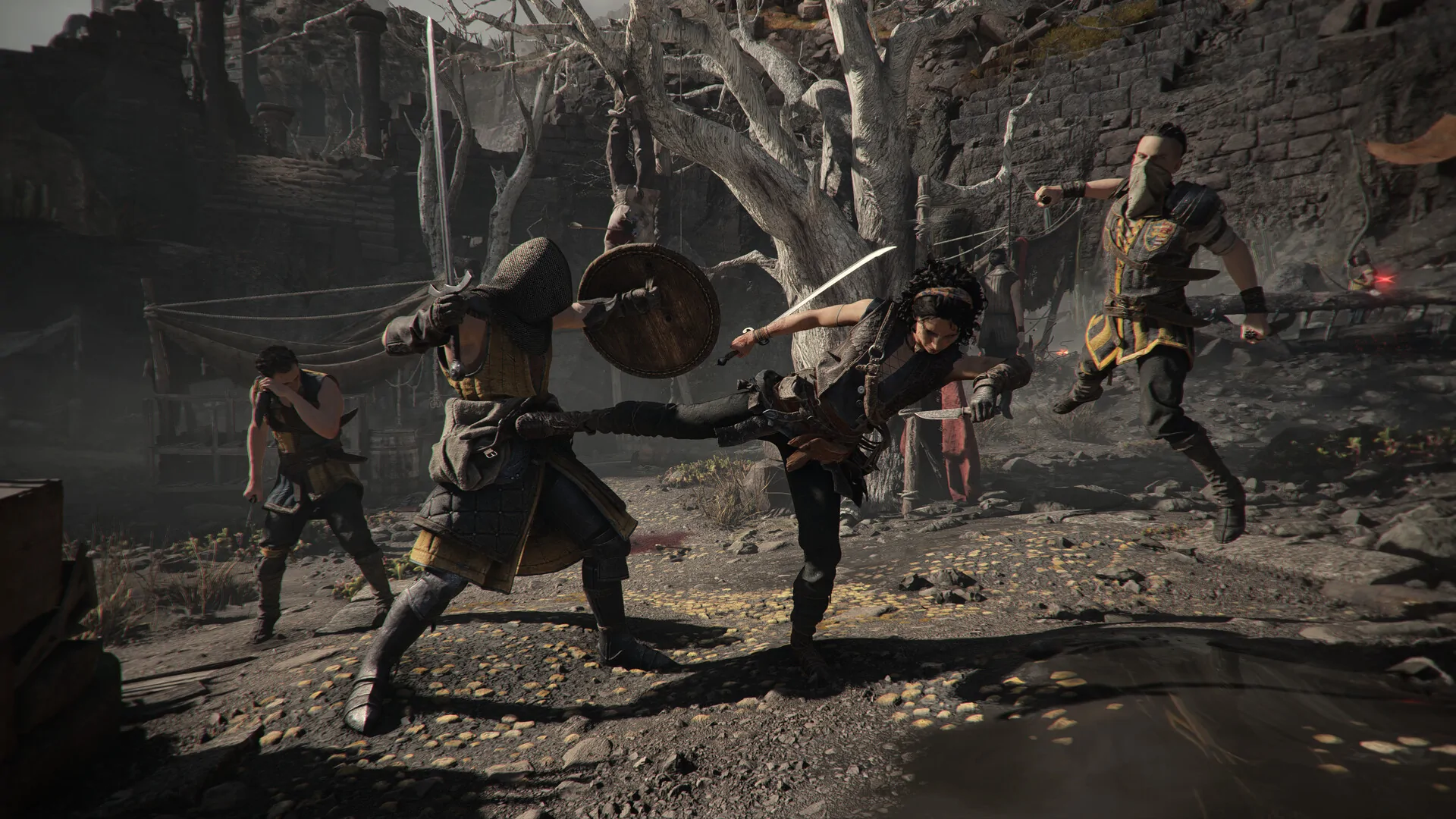
For this game specifically that is worth real money. Sophia’s combat is built on parries and timed strikes — the achievement list includes parrying six attacks in a row and killing enemies with a critical strike, so timing is a graded skill, not a flourish. Learning a parry window while mentally translating an Xbox icon into a Deck trigger is exactly the friction that makes timing-based combat feel unfair. That friction is absent here. See combat and parry basics for the inputs themselves.
The text problem, and what to do about it
The one warning is real, and it lands hardest in three places:
- Subtitles during traversal dialogue, which is where a large share of the story is delivered.
- Skill and mastery descriptions, where you are comparing options rather than skimming.
- Collectible and document text, which is the reading-heavy layer of the game.
Two things genuinely help, and neither is a mod. First, the game ships subtitle and accessibility options — size, background, and colour controls are covered in the HDR, subtitles and colour guide, and raising subtitle size addresses the largest single share of the problem. Second, run at the Deck’s native resolution rather than scaling down; the legibility warning gets worse the more you downscale to chase frames.
What will not help: lowering graphics presets. The performance test already passed, so you are not short on headroom, and dropping presets does nothing for font size.
The three hardware ratings
Valve now publishes a separate verdict for each of its platforms, and the spread here is instructive:
- Steam Deck: Playable. The four results above.
- SteamOS: Playable. One note, a game-startup caveat. No input or performance failures.
- Steam Machine: Verified. Controller config, glyphs, and default-settings performance all pass, with nothing flagged.
The Steam Machine result is the useful one for anyone deciding where to play. The only difference between Playable and Verified for this game is the size of the screen you are reading it on. There is no Proton problem, no anti-cheat problem, no input problem.
Session length actually suits a handheld
Deck battery life is a fair worry for long games. This is not a long game.
Across a sample of 500 Steam reviews, the median reviewer had 11.8 hours logged when they posted, and their accounts now sit at a median of 13.5 hours. The distribution is unusually tight: 54.4% of reviewers fall in the 10-to-20-hour band, and only 0.6% are past 40 hours. That is the signature of a linear, chapter-based story game that people finish once — which is exactly what the how long to beat guide describes.
Practically, that means a full playthrough is roughly a dozen battery-sized sittings, and the game’s chapter structure gives you natural stopping points rather than forcing you to hold a run. The chapter count and story select guide covers how the chapters are divided.
Is it worth playing on Deck?
Yes, with one adjustment: turn subtitle size up before you start. Everything else about the Deck build passed Valve’s testing, and the game’s own reception supports the wider recommendation — Steam reviews sit at Very Positive, with 2,481 of 2,669 positive, or 93.0%. The launch reception page covers what the small negative share is about.
If you have a choice of hardware and you care about reading document and skill text comfortably, a desktop or Steam Machine is the better experience, and Valve’s own ratings say so.
What this page does not claim
- No frame rate or battery-life figure. Valve publishes a pass/fail on default-settings performance, not numbers, and this site has not benchmarked the Deck build.
- No settings preset recommendation. The default configuration is the one that was tested.
- No Proton version, launch option, or workaround. None is published in the compatibility report.
- No distinction between LCD and OLED Deck models. The rating is per title, not per hardware revision.
Compatibility categories were read on September 2, 2026, six days after the August 27 release. Valve re-tests titles after patches, so a text-size pass in a future update could move this to Verified. For the desktop picture see PC performance settings and PC system requirements; for the platform list see platforms.